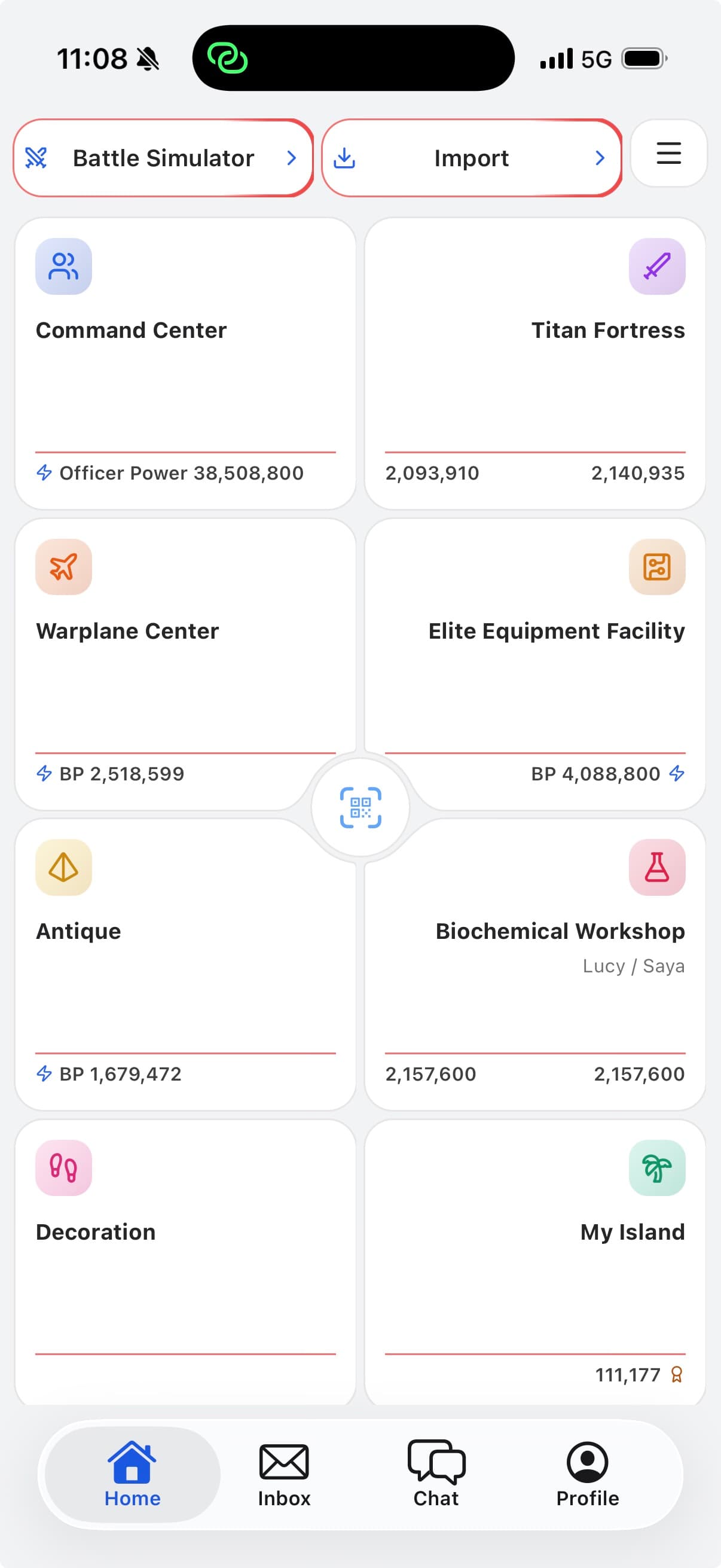
COMMAND CENTER
Know your officers
Explore officer stats, skills and progression. See how your command team contributes to your build.
YOUR MOBILE COMPANION
Connect your city and import your setup in about 15 seconds. No screenshots. No manual entry.



On your computer?
Scan to get the iOS app.
AOZ / SIM
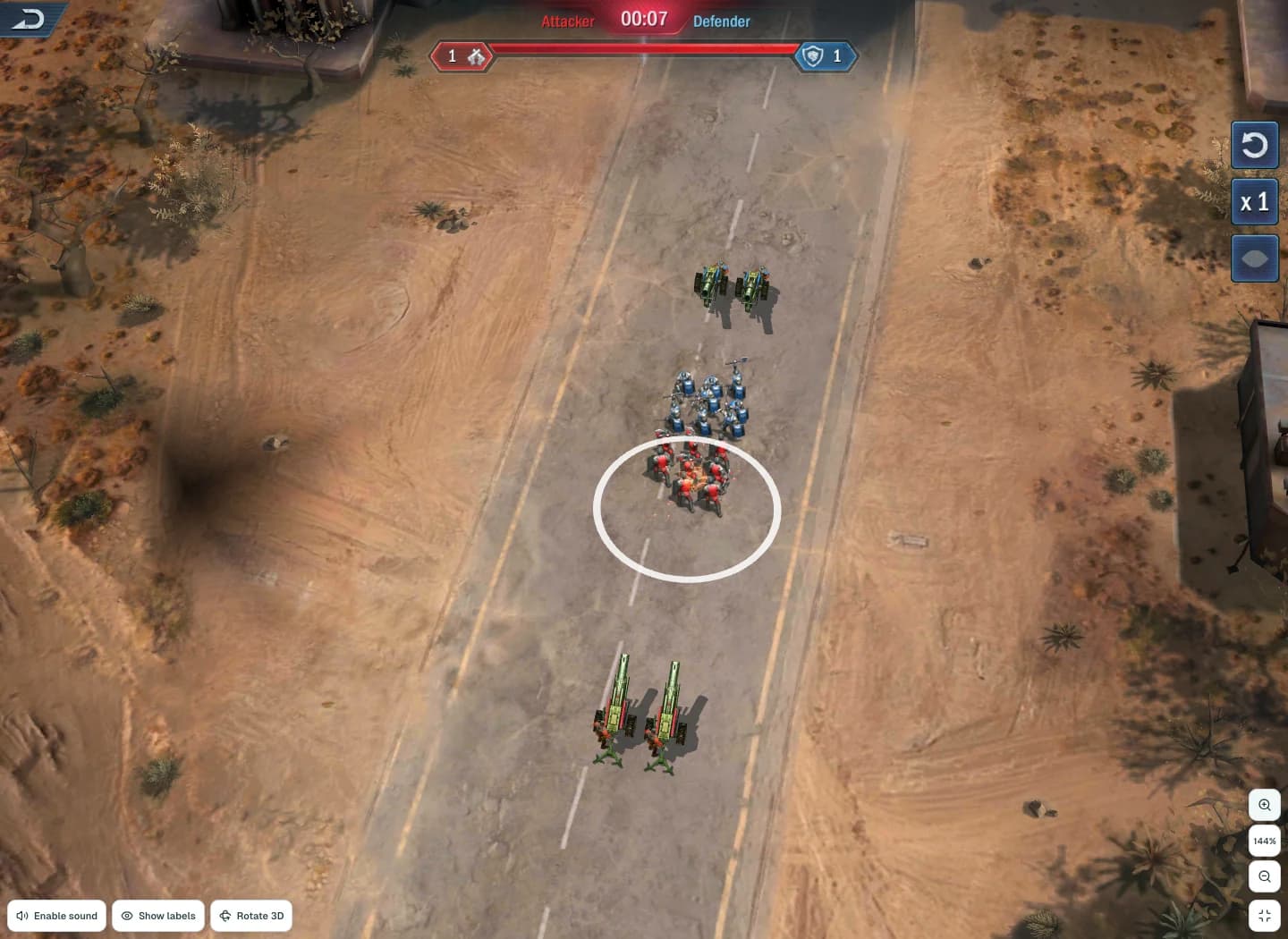
Take your Age of Origins formations to the browser. Explore city battles and Uranium Mines, watch the 3D replay, and study the battle report.
Explore the Web SimulatorSign in with the QR code in your mobile app.
Simulation access and limits depend on your account.
Choose your troops and prepare the matchup you want to explore.
Follow your formation in a 3D battle replay, right in the browser.
Review losses and battle statistics to inform your next formation.
MORE THAN A SINGLE TOOL
From the next upgrade to the next battle.
Tools made to work alongside your game.
COMMAND CENTER
Explore officer stats, skills and progression. See how your command team contributes to your build.
POWER & PROGRESSION
Bring Titans, Warplanes, equipment and Biochemical Lab upgrades into the bigger picture.
CITY PLANNING
Explore building requirements and resource costs before committing to your next city upgrade.
Explore the plannerFLEET & FORMATIONS
Prepare your formations in the Web Simulator and explore the matchup before your next battle.
THE AGE OF ORIGINS TOOLKIT
Know your stats. Plan your upgrades. Test your formations. Make your next Age of Origins move with a clearer picture.
Available for iOS & Android19 app languages
BUILT FOR A GLOBAL COMMUNITY
The mobile app speaks 19 languages.
Choose yours in the app settings.
A FEW THINGS TO KNOW
Open the Web Simulator login page and scan its QR code with the AOZStats mobile app. The website uses your existing simulator login.
The building calculators and upgrade planners are in the AOZStats mobile app. Explore the building calculator and Main Hall upgrade planner, then download the app to use them.
MAKE YOUR NEXT MOVE COUNT